Open QuickTake 100 and 150 photos
Open them, organize them, add descriptive information, enjoy them — and appreciate how far digital cameras have come.
The QuickTake 100 and 150 were pioneering digital cameras, and QuickTime VR was a groundbreaking immersive imaging technology. Apple stopped supporting their formats years ago. I did something about that. Vintage Viewer brings QuickTake photos and QuickTime VR movies back to life on a modern Mac.
What it does
Open forgotten image formats, explore them again, and make new copies in formats you can use today.
Open them, organize them, add descriptive information, enjoy them — and appreciate how far digital cameras have come.
Drag, zoom, and navigate supported panorama and object movies created with this pioneering immersive imaging technology
Export photos in PNG, TIFF, or JPEG formats, and turn a QuickTime VR movie into an interactive HTML panorama that today’s browsers can display.
QuickTime VR files vary. Some movies can currently be viewed only as recovered frames while support for additional formats is developed.
A look inside
A straightforward design makes it easy to build a collection of vintage formats.
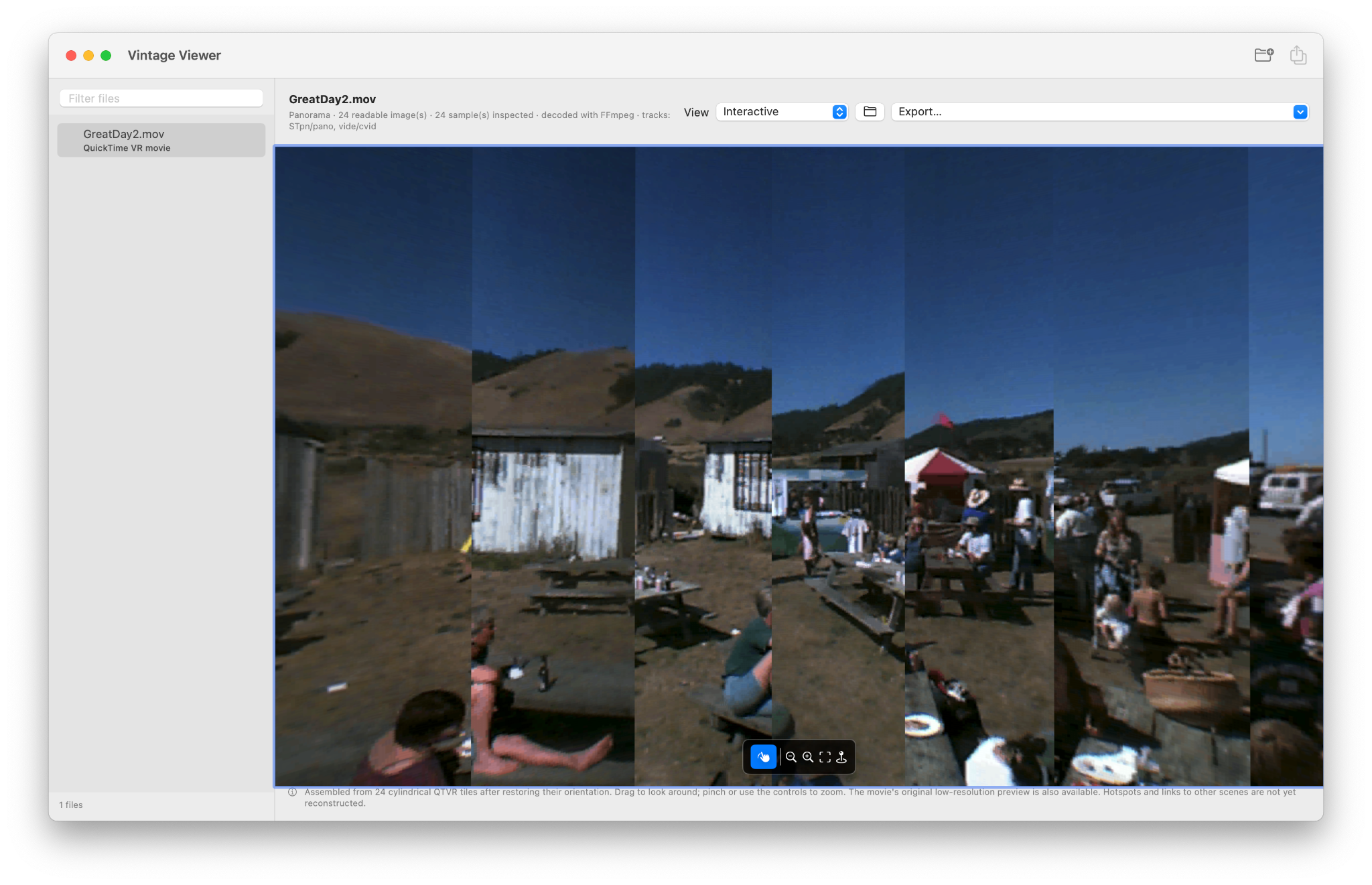
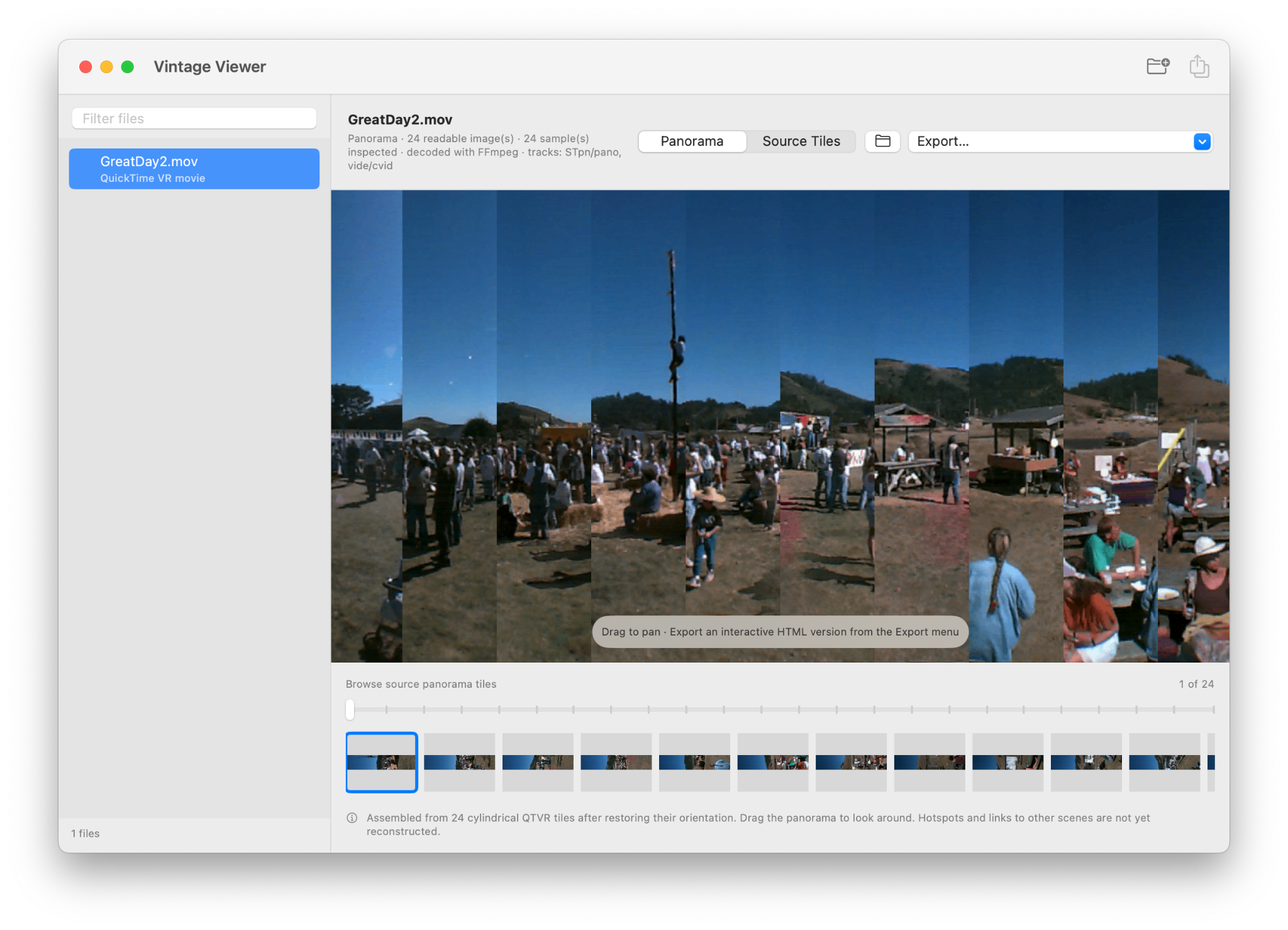
Screenshots from a development build.

Made for anyone who wants to celebrate the vintage image formats that Apple forgot.